Create your first project
A project keeps one brand’s knowledge, assets, templates and campaigns together. Start a separate project for each brand or client.
Start with a website
- Open Manage projects from the bottom of the navigation rail.
- Choose New project.
- Enter the brand’s public website and choose Read website.
- Wait for the import, then review the brand content before continuing.
Doodi can read up to 100 public pages. A website import is a starting point. Check names, products, claims, audience and tone yourself. Private pages and sites that block automated reading may not import.
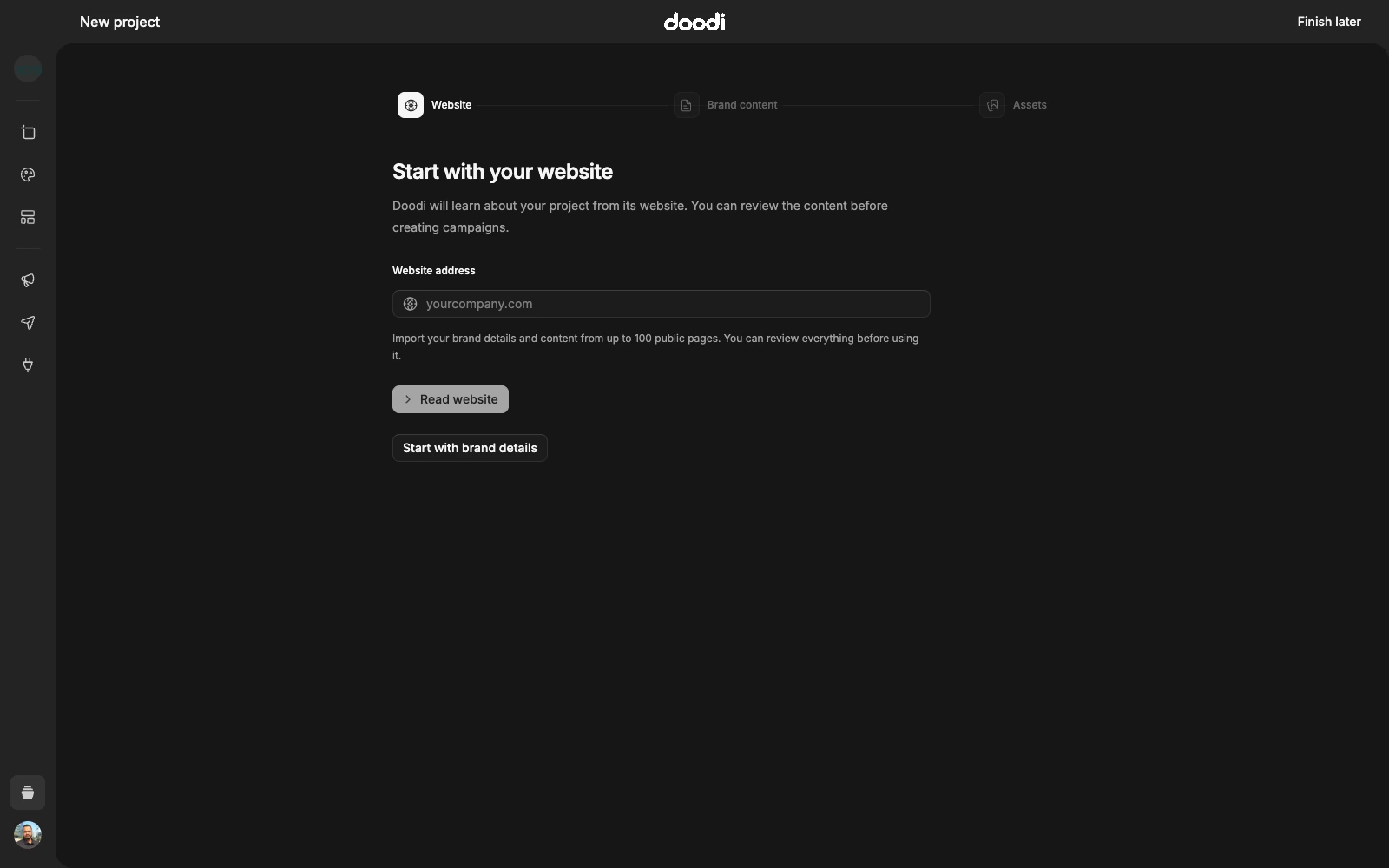
Start without a website
Choose Start with brand details. Enter a project name, description and brand notes, then continue to assets. You can use this path for a new business, a private client brief or a fictional practice project.
Add brand content and media
Use the description for what the brand does. Use brand notes for approved facts, writing style, language, colors and rules. Upload the original logo and a few useful photographs. Select the correct logo so it appears with the project.
For the Sora demo, the notes explicitly say the business is fictional and forbid invented prices or bookable offers. For your brand, write the real facts you want Doodi to preserve.
Open the workspace
Choose Open project after reviewing the assets. Project canvas is for reusable brand artwork. Campaigns is for social posts grouped around a topic or plan. The project avatar in the rail lets you switch brands.
Finish later preserves a draft setup. Resume it from Manage projects. See brand content for later edits.