Find and save inspiration
Inspiration helps you collect visual references and turn an approved direction into editable artwork.
Search a source
Open Find inspiration from a canvas or Template studio. The drawer has Meta ads, Google images and Library tabs. Meta search includes a country and keyword. Google searches for visual references. Search controls stay in the footer.
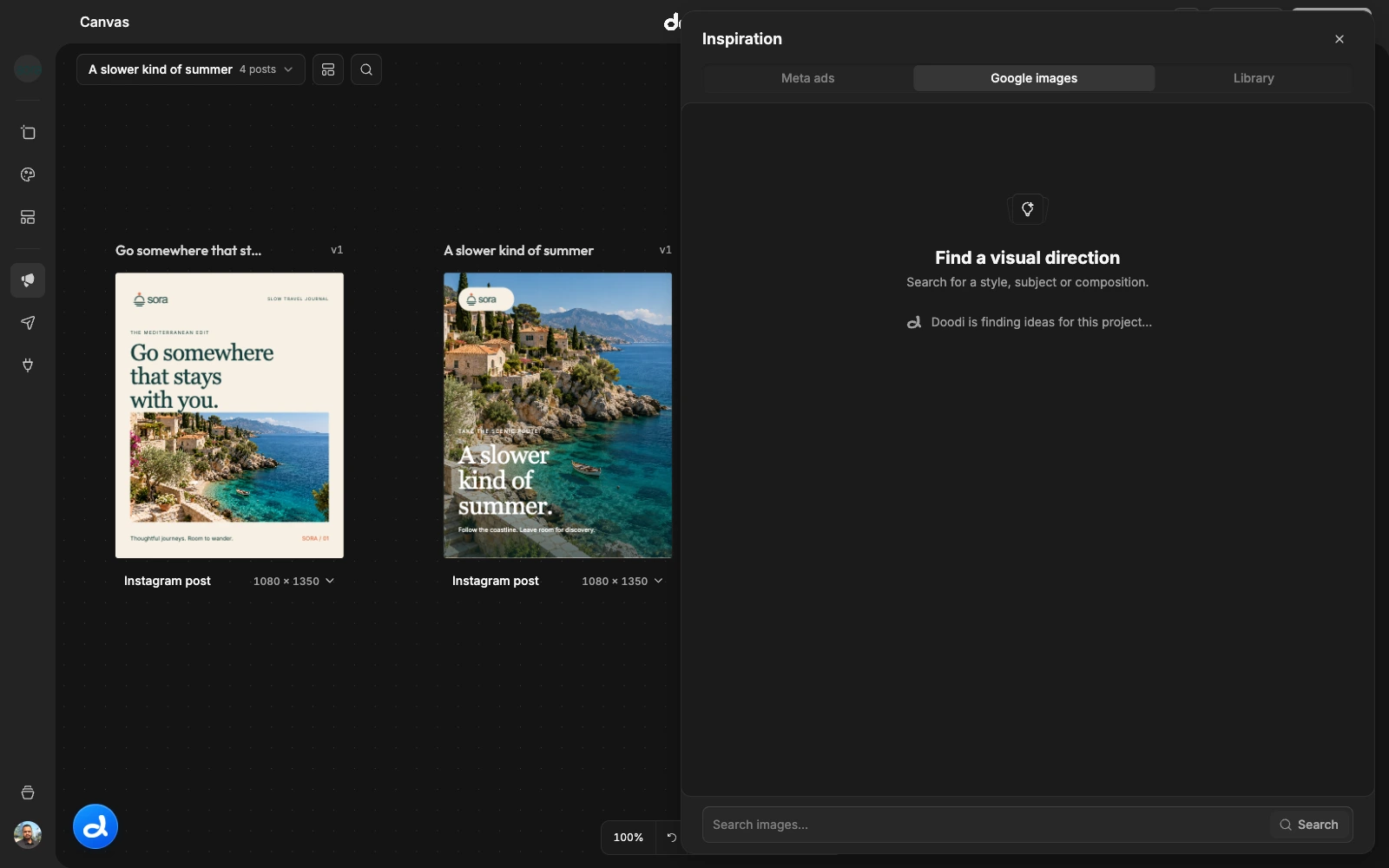
Doodi can suggest queries from the current project’s brand notes and website content. Recent searches stay scoped to the project and source. Click one to run it again, or type your own query. A suggestion loading problem does not prevent manual search.
Inspect a reference
Open a card with Explore. Check the original source, image detail and relevance to your brief. Use Open in browser when you need the source page. Search results can change or disappear, so save useful references with their provenance.
Choose the next action
- Add to chat attaches the reference for a request you will review and send.
- Save to project keeps it in this project’s inspiration library.
- Save globally makes it available across your account’s projects.
- Design similar immediately starts a new editable design based on the selected reference.
Design similar preserves an existing unsent draft for later. It does not send all your queued comments and attachments as part of that new reference request. The drawer closes and a loading frame appears while Doodi works.
Scope and rights
Project saves belong to one brand. Global saves belong to your account, not to other users. Inspiration is source material: use it to communicate composition, mood or structure, and supply your own brand facts and assets. Review the new artwork before publication.