Brand content and identity
Brand content gives Doodi the facts and visual rules it should use for this project.
Open Brand & assets
Choose the project, then open Brand & assets in the rail. Brand information appears on the left; the project’s media library appears on the right. The identity includes the logo, name, description, notes and recorded colors.
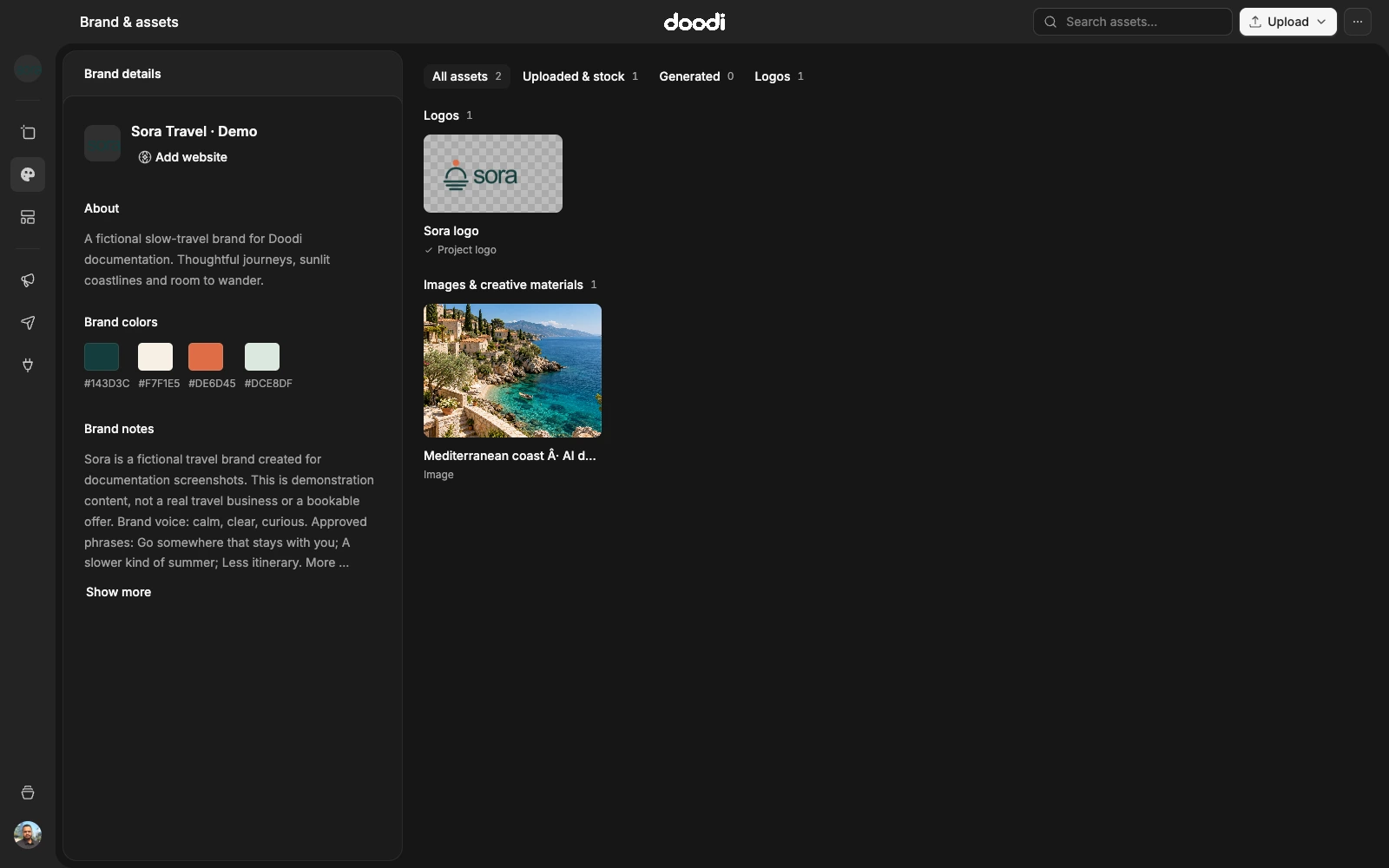
Edit individual fields
Double-click a brand detail, or use its edit button on hover or keyboard focus. Edit the field and save it. Fields save independently. Dismissed drafts are retained so you can return to them; check whether a draft has been applied before expecting Doodi to use it.
Write useful brand notes
Include your audience, products, services, tone, preferred language, exact names and approved claims. Specify what must remain unchanged. If a price or date is required, provide the actual value rather than asking Doodi to infer it.
For example:
Write in clear English. Preserve our original logo. Use the approved green and cream palette. Never invent departure dates, discounts or booking availability. Ask if a required fact is missing.
Do not store passwords, API keys or private login details in brand notes.
Logos and colors
Upload an original logo to this project’s library and choose it as the project logo. Keep alternate logo versions clearly named. Recorded colors help Doodi interpret the brand; inspect the actual artwork to confirm contrast and placement.
Scope
A project owns its own brand facts and assets. Switching projects changes that context. An existing saved post does not automatically redesign itself when you edit brand notes. Select the relevant work and request the intended update.